Nivalis Nights Beginner Guide — Getting Started & First Hours
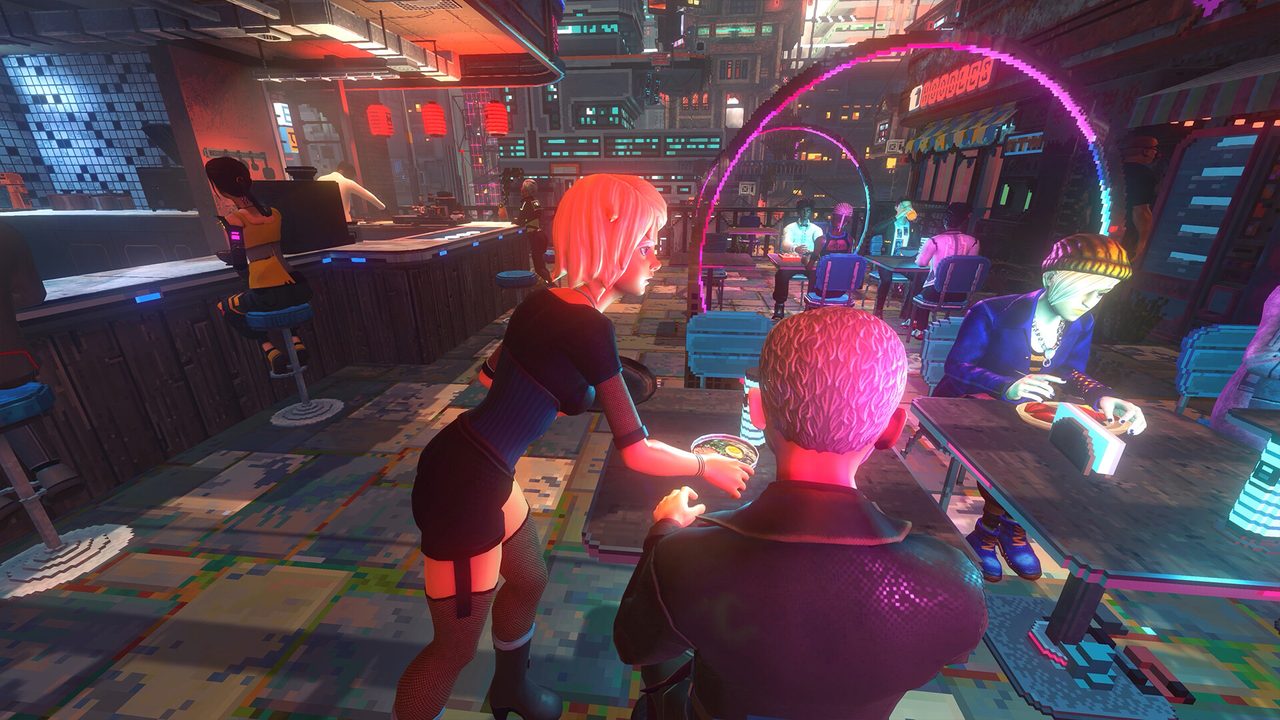
Nivalis Nights Beginner Guide
Quick answer: Nivalis Nights is a first-person cyberpunk life sim where you start with a noodle stand and build up to owning the city's top venues. The step-by-step first-hours guide goes live once the game is playable on September 29, 2026.
Getting started
The official Steam description sets the starting point plainly: "Start humble with a noodle stand, then climb your way up to own the city's top venues." Your first goal is to get that stand running — buy, cook, serve, earn.
Confirmed early-game systems
These are the systems the official description and trailers confirm you'll engage with early:
- Business — your noodle stand is your first venue. Growing it, then running restaurants and nightclubs, is the core loop.
- Characters — the district is full of people who become friends or enemies.
- The city — a vertical district under CorpSec pressure, with a serial-killer subplot running through it.
- Fishing and apartment decorating are confirmed activities alongside the food business.
First hours — what actually happens
The early game runs in three layers, per Famitsu's hands-on preview (played ahead of launch):
- Run the noodle stand. Set the menu, hire and schedule staff, source ingredients, buy furniture. The stand is your tutorial for the whole management loop.
- Settle each day. Going home to sleep triggers a daily settlement, then you pay your debt. An early day can easily end in the red.
- Shift to adventure. Once the stand runs more hands-off, first-person quests, fishing, and buying more properties open up.
Beginner tips (COMMUNITY_CONFIRMED)
- Don't accept every NPC quest at once — the quest list fills up fast and gets overwhelming (Famitsu hands-on).
- Use the shopping list to buy a missing ingredient in a single action.
- Reinvest, don't spend. Early earnings matter far more back in the stand than on cosmetics — the official loop is reinvest to grow.
- If costs balloon, cut staff or trim the menu and work the counter or kitchen yourself to drop fixed costs.
Common problems & troubleshooting
The game went live September 29, 2026. Patch 01.10 (October 2, 2026) fixed or improved several early tutorial and UI issues. Here's the current state.
Fill Venue Inventory — fixed/improved in Patch 01.10 (OFFICIAL)
Patch 01.10 (patch notes) lists the Fill Venue Inventory tutorial objective as fixed/improved.
- If you're on Patch 01.10+: first confirm your game is updated, then check the Shopping List / Venue Inventory objective as written. If it still reproduces, record and report it.
- The 1.0 workarounds are downgraded: the old advice — reload the game, return to the main menu, or buy extra ingredients — was a launch-week stopgap. Treat it as a historical 1.0 workaround, not the current answer.
Quest Log text becomes illegible — known issue (OFFICIAL)
After hiding and re-showing the Quest Log (press J), the text may become unreadable. This is on the official Known Issues list.
- Workaround (OFFICIAL): reload your save.
- Fix status: the fix is complete internally but was not included in Patch 01.10 — expect it in a later patch.
Other community reports (COMMUNITY_REPORTED — early)
- Soft-lock — some players report getting stuck; a community workaround exists but is not yet officially confirmed.
- Low FPS in NPC-dense areas — matches the official Known Issues; try restarting after a long session (see System Requirements).
- Manager confusion — the shopping list can still appear while a manager works (see Business Guide).
These are community reports — we flag them rather than claim confirmed fixes.
What to do next
- Business Guide — how businesses work
- Cooking & Recipes — food and ingredients
- Fishing Guide — how fishing works
- Map & Districts — the city layout
Sources & verification
- Source: Steam Store page (OFFICIAL)
- Game version: Patch 01.10
- Last verified: October 2, 2026
- Confidence: OFFICIAL facts are from the Steam store and the Patch 01.10 patch notes (Fill Venue Inventory fix/improvement, Quest Log known issue + reload-save workaround). The first-hours loop and tips are COMMUNITY_CONFIRMED (Famitsu hands-on preview). Soft-lock / low-FPS / manager problems are COMMUNITY_REPORTED (early). The starting-credit amount is WAITING_FOR_T0_VERIFICATION — third-party guides cite a figure, but we wait for official/multi-source confirmation.